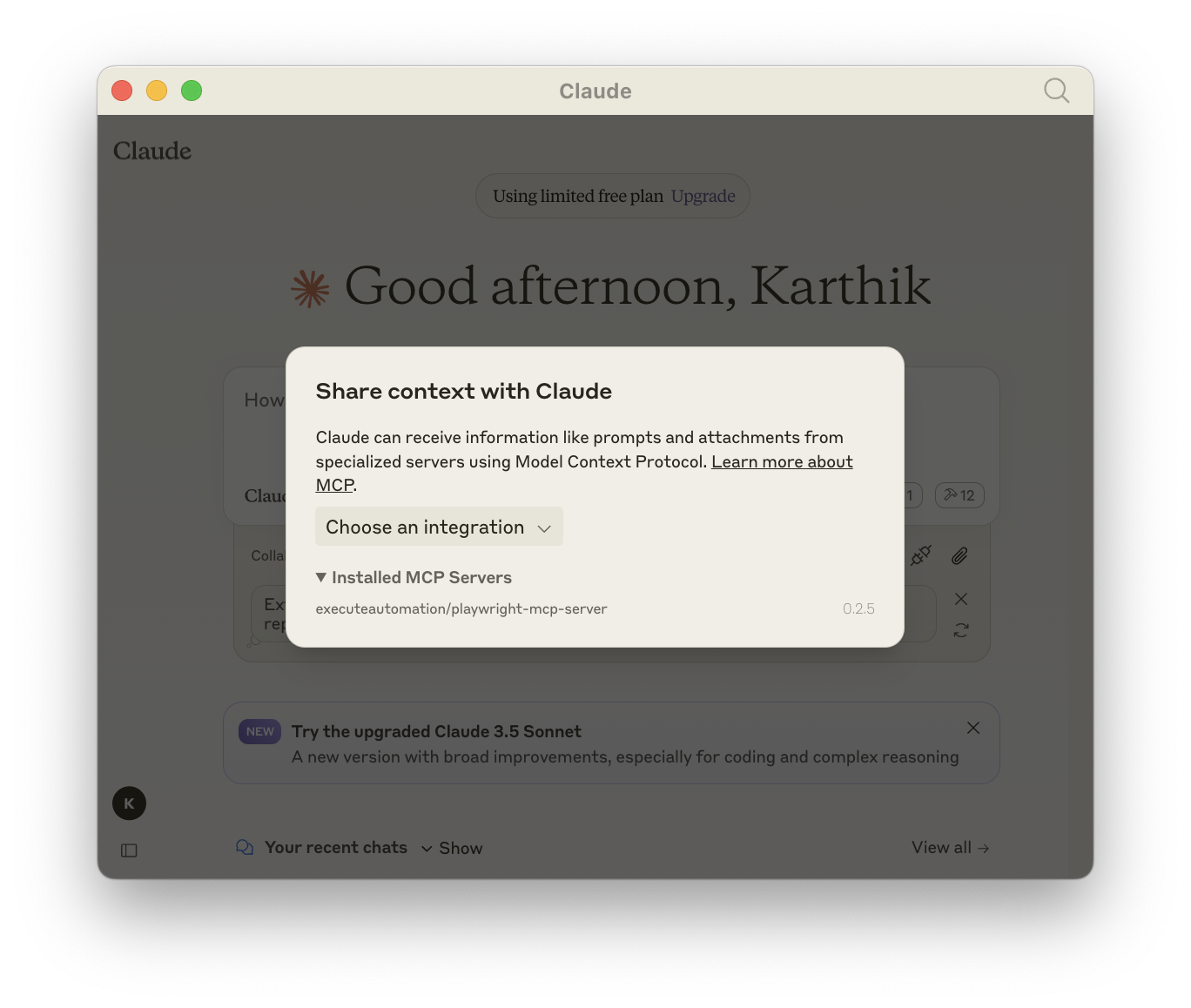
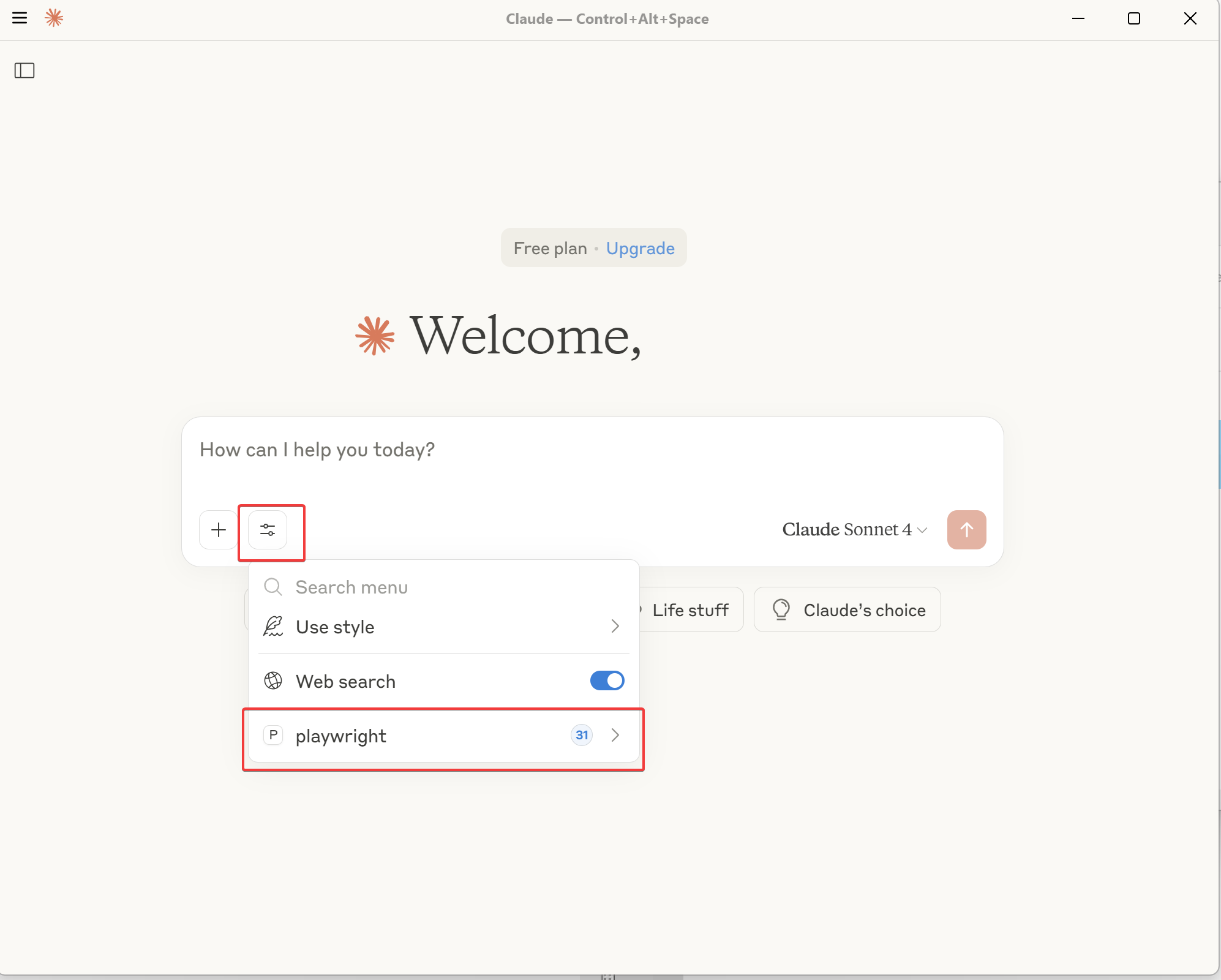
Installation
Build and Run Playwright MCP Server locally
To build/run Playwright MCP Server in your local machine follow the below steps
Step 1 : Clone Repository
git clone https://github.com/aakashh242/mcp-playwright.git
Step 2: Install Dependencies
cd mcp-playwright
npm install
Step 3: Build Code
npm install --save-dev typescript
npm run build
npm link
Step 4: Configuring Playwright MCP in Claude Desktop
Modify your claude-desktop-config.json file as shown below to work with local playwright mcp server
The file is generally located at C:\Users\{yourusername}\AppData\Roaming\Claude
{
  "mcpServers": {
    "playwright": {
      "command": "npx",
      "args": [
        "--directory",
        "/your-playwright-mcp-server-clone-directory",
        "run",
        "@aakashh242/playwright-mcp-server"
      ]
    }
  }
}
if you are using windows, and let's say your clone directory is D:/automation/mcp-playwright,
then you should replace "/your-playwright-mcp-server-clone-directory" with D:/automation/mcp-playwright
not \ but we have to use / for config file.
After modifying the claude-desktop-config.json file, you must completely close Claude Desktop and manually terminate any running processes from Task Manager (Windows 10/11).
⚠️ If you skip this step, the configuration changes may not take effect.
Reward
If your setup is all correct, you should see Playwright MCP Server pointing your local machine source code